
Choosing an RS485 to Modbus TCP gateway
Transparent tunnel or protocol gateway, multi-master handling, unit ID mapping and isolation — the specification that decides whether it works in year two.
Every RS485 installation eventually needs to reach something over Ethernet, and the box that does it costs between a few thousand rupees and rather a lot. The cheap ones and the expensive ones look identical in a catalogue: two RJ45s, a terminal block, a DIN clip.
They are not the same device, and buying the wrong one produces a system that works during commissioning and fails once a second piece of software wants the same data.
Transparent tunnel or protocol gateway
This is the decision. Everything else is detail.
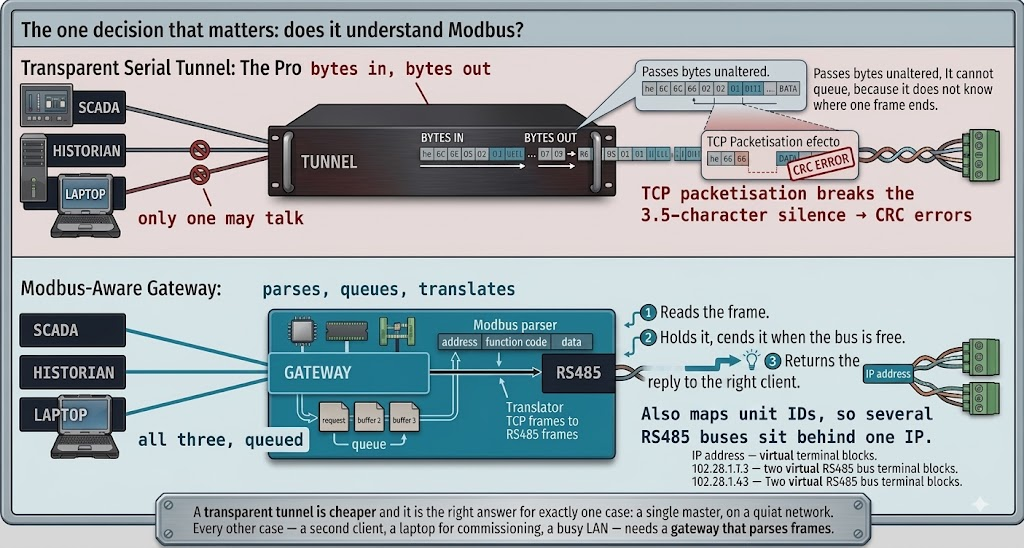
A transparent serial tunnel — sold as a serial device server, or as a virtual COM port — takes bytes off the serial line and puts them in TCP packets. It has no idea what Modbus is. That is fine when exactly one master talks to the bus and nothing else ever will.
A Modbus gateway parses the frame. It knows where a request starts and ends, so it can accept requests from several clients at once, queue them, put them on the bus one at a time, and return each reply to whoever asked.
Two consequences follow, and both bite in production rather than in testing.
Multi-master. RS485 allows one conversation at a time. Two clients through a transparent tunnel will eventually transmit together, and the result is corrupt frames that look exactly like electrical noise. A gateway serialises them. If there is any chance of a SCADA system, a historian and somebody's laptop wanting the same meters, you need a gateway.
Timing. Modbus RTU delimits frames with 3.5 characters of silence. A transparent tunnel packetises bytes according to TCP's rules, not Modbus's, and can split a frame across packets or merge two frames into one. Devices then see malformed requests. Gateways with a "serial packing" or inter-character timeout setting exist precisely to paper over this — if a datasheet talks about packing delimiters, it is telling you it is a tunnel.
What to check on the datasheet
| Specification | Why it matters |
|---|---|
| Modbus RTU ⇄ TCP conversion | Not just "serial over Ethernet". Look for the word Modbus |
| Simultaneous TCP connections | 4 is common, 8–32 on better units. One is a tunnel |
| Request queueing and per-client timeout | What stops a slow client blocking everyone |
| Unit ID mapping | Lets several RS485 buses sit behind one IP address |
| Serial ports | Two ports halves your poll cycle — see below |
| Isolation | 2.5 kV between serial and everything else. Not optional |
| Adjustable response timeout and retries | Meters vary from 10 ms to 200 ms |
| Configuration backup and restore | For when it is replaced at 2 a.m. |
| Diagnostics | Per-request counters and a line monitor |
Isolation is the one to insist on. An RS485 bus that leaves a panel is exposed to potential differences between buildings and to surges. Galvanic isolation between the serial side and the Ethernet and power sides is what stops one bad event taking out the gateway, the switch and whatever is behind it.
Two serial ports are worth more than they cost. RS485 is half duplex, so a bus of twenty meters polls in a fixed time no matter how fast the network is. Split them across two ports and you poll twice as fast. Work out your cycle first with the RS485 cable and poll rate calculator — if it says twenty seconds and you wanted five, more ports is the fix, not a faster gateway.
Unit ID mapping, and why it matters later
A useful gateway lets you present several RS485 segments as one Modbus TCP server, mapping unit IDs so that meters 1–20 are on port 1 and 21–40 on port 2. The client sees one IP address and forty devices.
Without it, every segment needs its own IP, its own entry in every piece of client software, and its own firewall rule. That is manageable with two segments and unpleasant with eight.
Check also whether the gateway passes the unit ID through unchanged or rewrites it. Both behaviours exist, and the difference will confuse you for an afternoon if you are not expecting it.
Configuration you can live with
Three questions that never appear in a comparison table and matter enormously three years in:
- Does the configuration survive a power cut? It should. Test it before installing twenty.
- Is the configuration exportable? A file you can archive and restore turns a failed unit into a ten-minute swap. A device configured only through a web form is an afternoon of retyping, done under pressure.
- What configures it? A browser works from anything. A Windows-only utility that needs a driver will, eventually, be the reason nobody can change a setting.
Diagnostics separate the good ones
The single most useful feature on a gateway is the ability to see what is happening on the serial line: request and response counters per unit ID, timeout and CRC error counts, and ideally a live frame monitor.
With it, commissioning is a five-minute job and a fault is obvious. Without it, you are back to the multimeter and the halving method, because the gateway will tell you nothing except that something did not answer.
Security, briefly and seriously
Modbus TCP has no authentication and no encryption. Anything that reaches port 502 can read your meters and, unless the gateway is read-only, write to them.
- Never expose it to the internet. Not on a different port, not behind a NAT rule.
- Put it on an OT VLAN with a firewall between it and the office network.
- Prefer read-only mode if the gateway offers it and nothing needs to write.
- If data must leave the site, it goes out through something that dials outward over TLS — which is the argument for the next section.
Latency is not free
A gateway adds time to every transaction — it has to receive the whole serial frame before it can forward it, and the reply travels the same way back. Typically that is a few milliseconds, which is nothing next to the serial transaction itself.
It stops being nothing when a client polls one register at a time. Forty separate requests per meter, each carrying the gateway's overhead plus the meter's own response delay, is a cycle several times longer than reading the same forty registers in one contiguous block. The fix is on the client side, and the block boundaries come from the register map — the address converter is how you work out what can be read together.
Two settings on the gateway make this worse if they are wrong. A response timeout set far above what any meter needs means every genuinely dead device costs you that full timeout on every pass. And a retry count of three on a bus with one broken meter triples that cost. Set the timeout from your slowest real device plus a margin, not from the default.
When a gateway is the wrong answer
A protocol gateway makes sense when existing software wants to speak Modbus TCP: a SCADA package, a BMS, a PLC.
If instead you are building a monitoring system — polling meters, storing history, sending data to a server — a small computer running your own poller does more for similar money. It timestamps at the edge, buffers through network outages, and pushes outward over MQTT rather than waiting to be polled through a hole in your firewall. That trade-off is worked through in building a Modbus energy gateway and MQTT versus Modbus TCP.
The two are not exclusive. A common arrangement is a protocol gateway for the plant's SCADA and an edge poller for the energy monitoring, both on the same RS485 bus — which works precisely because a real gateway can serialise two masters.
Before you order
- How many clients will want this data, now and in three years? More than one means a gateway, not a tunnel.
- What is your poll cycle? Calculate it before choosing port count.
- Isolation, 2.5 kV, non-negotiable if the bus leaves the panel.
- Adjustable timeouts, because your slowest meter sets the cycle.
- Config export, tested.
- Diagnostics, or plan to buy a serial monitor.
- Buy one and bench it with your actual meters before ordering the rest — the same rule that applies to choosing the meters.
Related articles
More on metering & iot.
 Metering & IoT
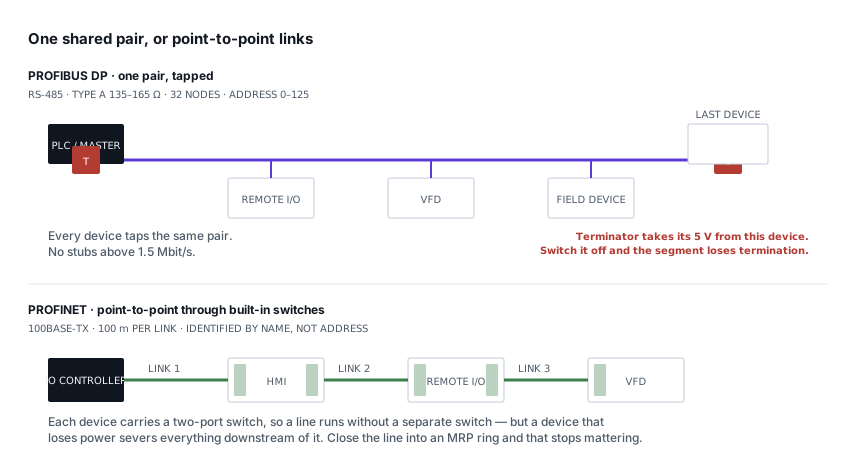
PROFIBUS and PROFINET: how each is wired, and what breaks
Purple cable at 150 Ω against green Ethernet, powered termination against none, device addresses against device names — and the fault each design invites.
8 min read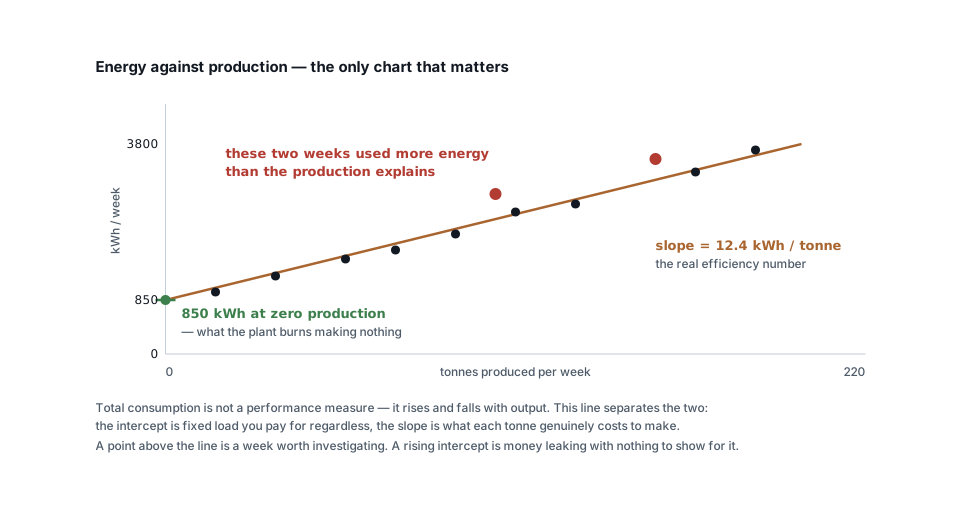 Metering & IoT
Turning meter data into savings: baselines, KPIs and alerts
Why total kWh is a useless measure, how to build an energy baseline against production, and the four analyses that actually find money in metering data.
6 min read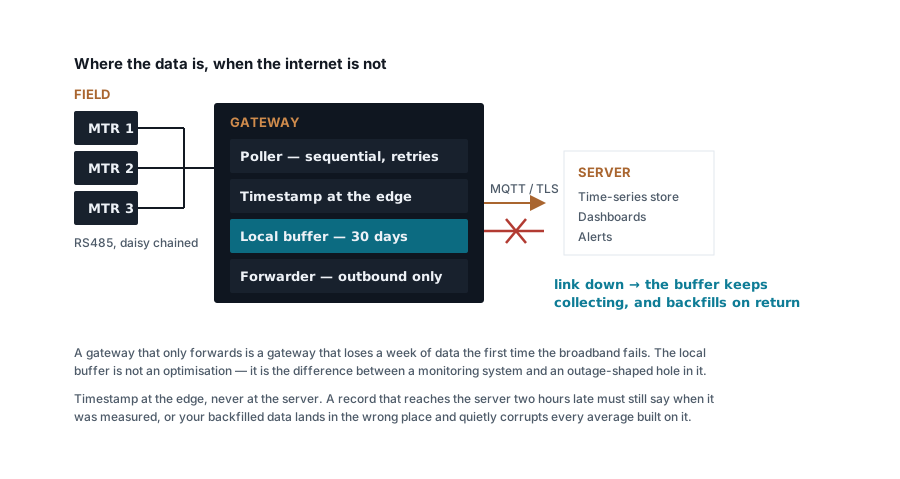 Metering & IoT
Building a Modbus energy monitoring gateway that stays up
Polling design, store-and-forward, timestamping at the edge, SD card wear and the naming convention you cannot change later — a field-grade gateway.
7 min read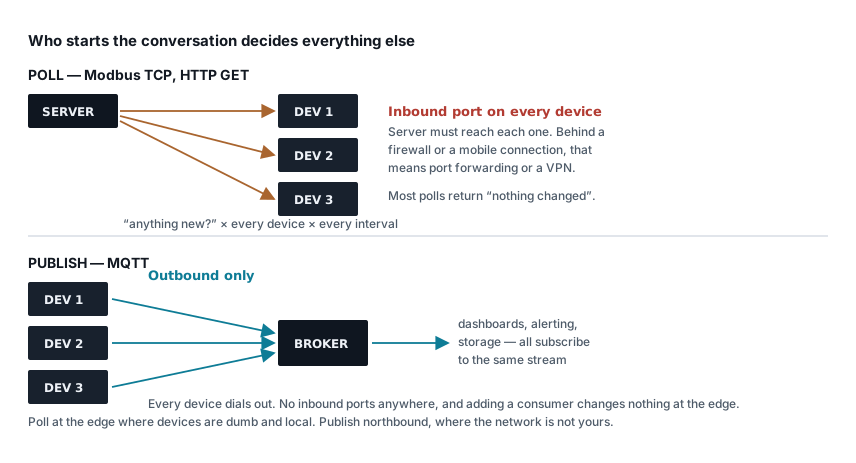 Metering & IoT
MQTT, Modbus TCP or HTTP: moving meter data to a server
Poll versus publish, what each protocol costs in bandwidth and firewall holes, how to design topics and payloads, and where each one genuinely belongs.
7 min read
Comments
Loading…